Using Your IPad More Efficiently For Better Results
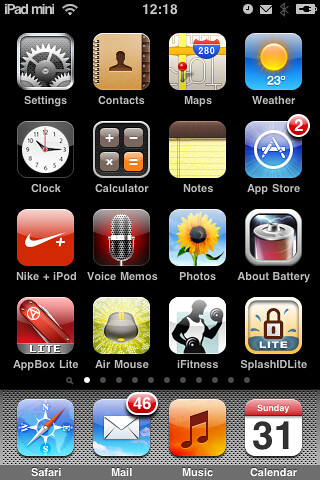
Perhaps you have wanted to get more out of your iPad, but don’t know what to do because it’s still fairly new. Do not allow it to become an expensive app gaming console. You can do so many amazing things with an iPad. Read on to learn more.
It easy to access the currently running apps on your iPad. Just push the Home button twice in succession to show an icon for each running app. Just click the app you wish to switch to, if you so desire. To make the bar disappear, simply swipe the screen downwards.
Stay aware of the amount of money you are paying for the iPad apps that you download. It is very easy to accidentally spend more than you intended on iTunes, for example. The app stores your credit information, so you can just buy, buy, buy with a single click! So it is critical to keep track of what you spend.
You can reboot your iPad when it freezes by doing a soft reset. Hold down both the power and home buttons for a few seconds. This will make the device restart. If you simply want to force close one app, hold only the home button.
Don’t forget how many apps you are running at once. You’ll find they quickly build up in numbers. To check what is running on the iPad, just double click the Home button. This will show you the current apps at the bottom. Swipe downwards to make the bar disappear when you’ve finished.
Go to settings and change them to stop the constant barrage of Wi-Fi network questions. You will find an option that says to ask if you want to join networks. Turn that off, and you won’t see invitations any more.
Your password information can be protected by setting it to erase if someone enters it incorrectly a certain number of times. By using this setting, all of your information will be erased after 10 failed password attempts.
Surely by now you’ve learned at least one or two interesting things that you hadn’t known about the iPad. You may be surprised to find out what a difference these tips can make! It can do nearly anything! Keep learning more about it and stay current with trends. New apps are constantly be created, making the iPad your new best friend.
Dave Grooms is a very experienced computer programmer based in Eastbourne, Sussex. Contact him mail@davegrooms.co.uk to let him know about you web, ipad, iphone, android or desktop programming project.